Install guide
File Explorer supports single-click installation. You need permission to install apps on the BigCommerce store.
Install the app
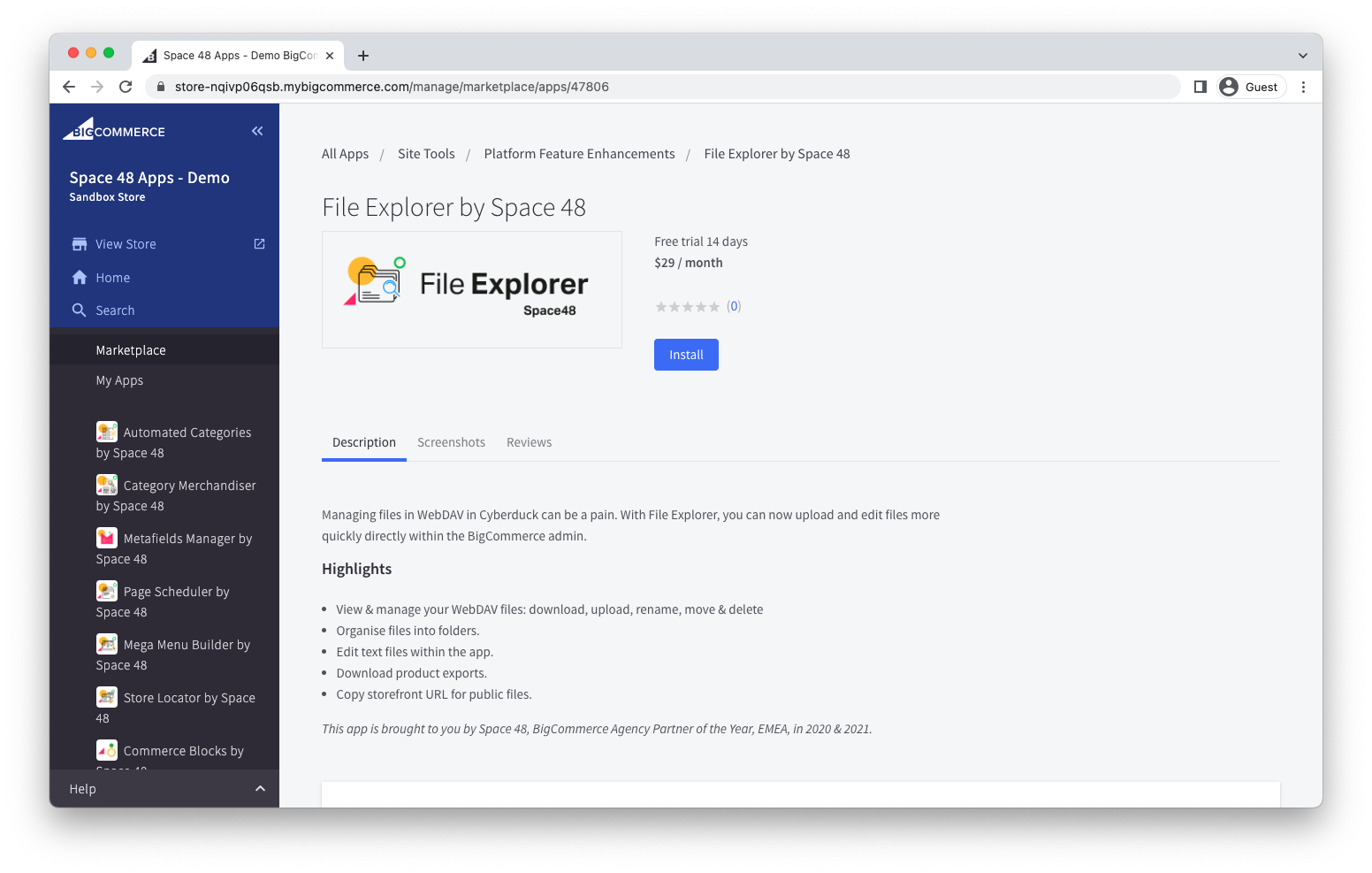
- Open File Explorer in the BigCommerce marketplace.
- Select Get this app and choose the store where you want to install it.
- Select Install.
Review permissions
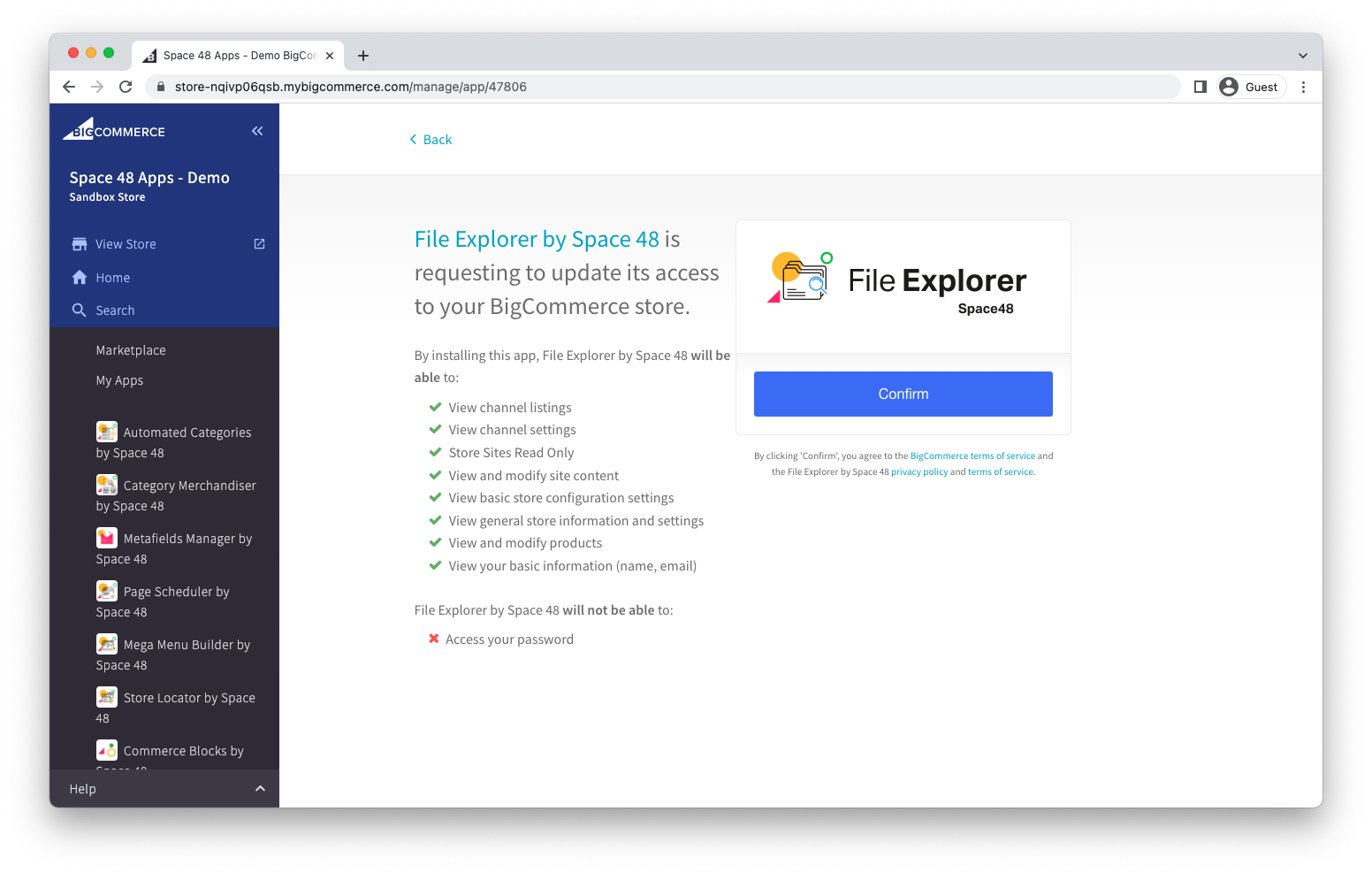
Review the requested store permissions, then select Confirm. File Explorer needs access to store information and content so it can run inside your control panel and manage WebDAV files.
Connect WebDAV
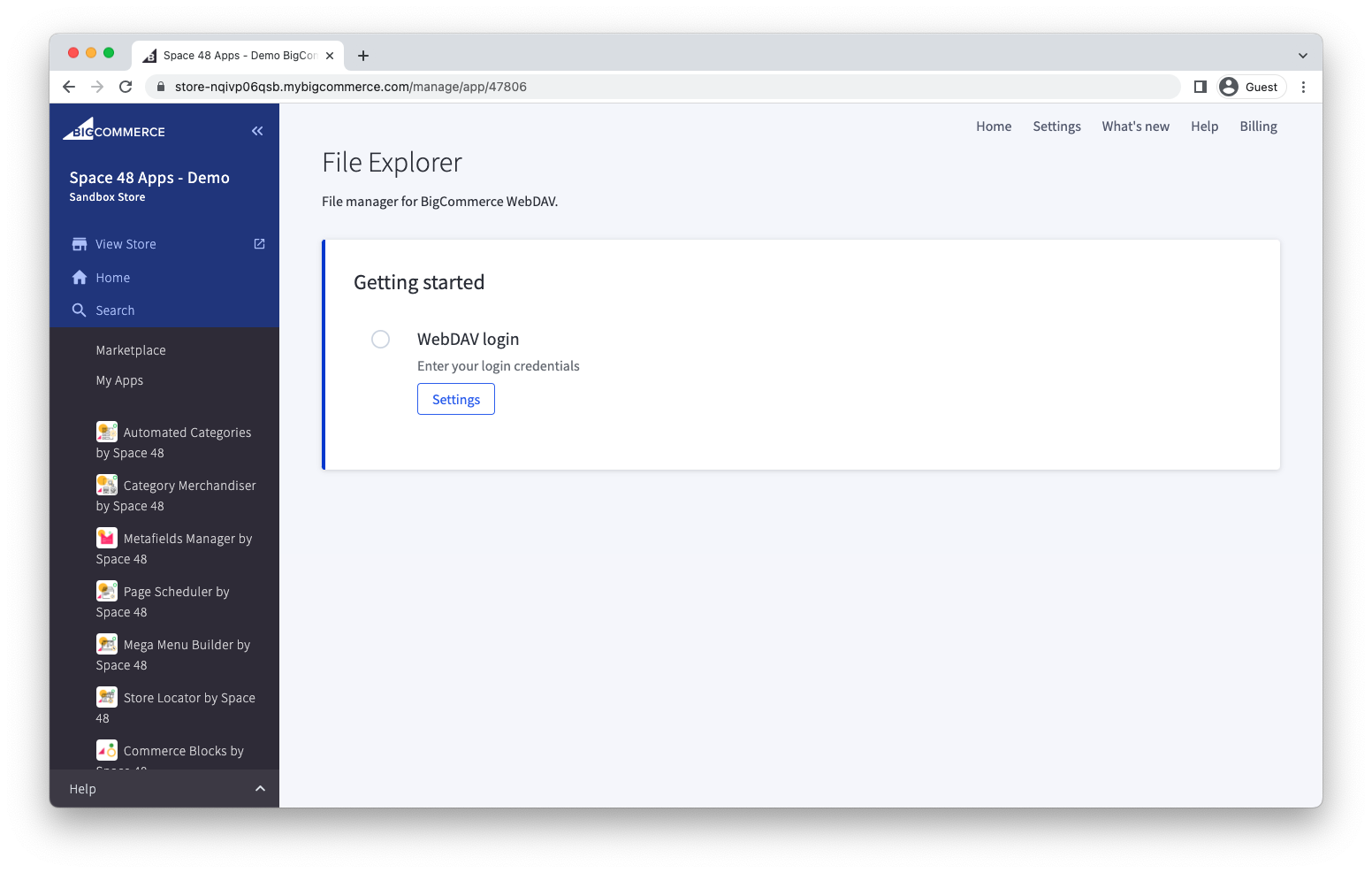
After installation, File Explorer asks for your WebDAV login. Select Settings, then follow the quick start guide.
Troubleshooting
If installation does not complete, confirm that your BigCommerce user can install apps. If the problem continues, check the FAQs or contact support.