Overview
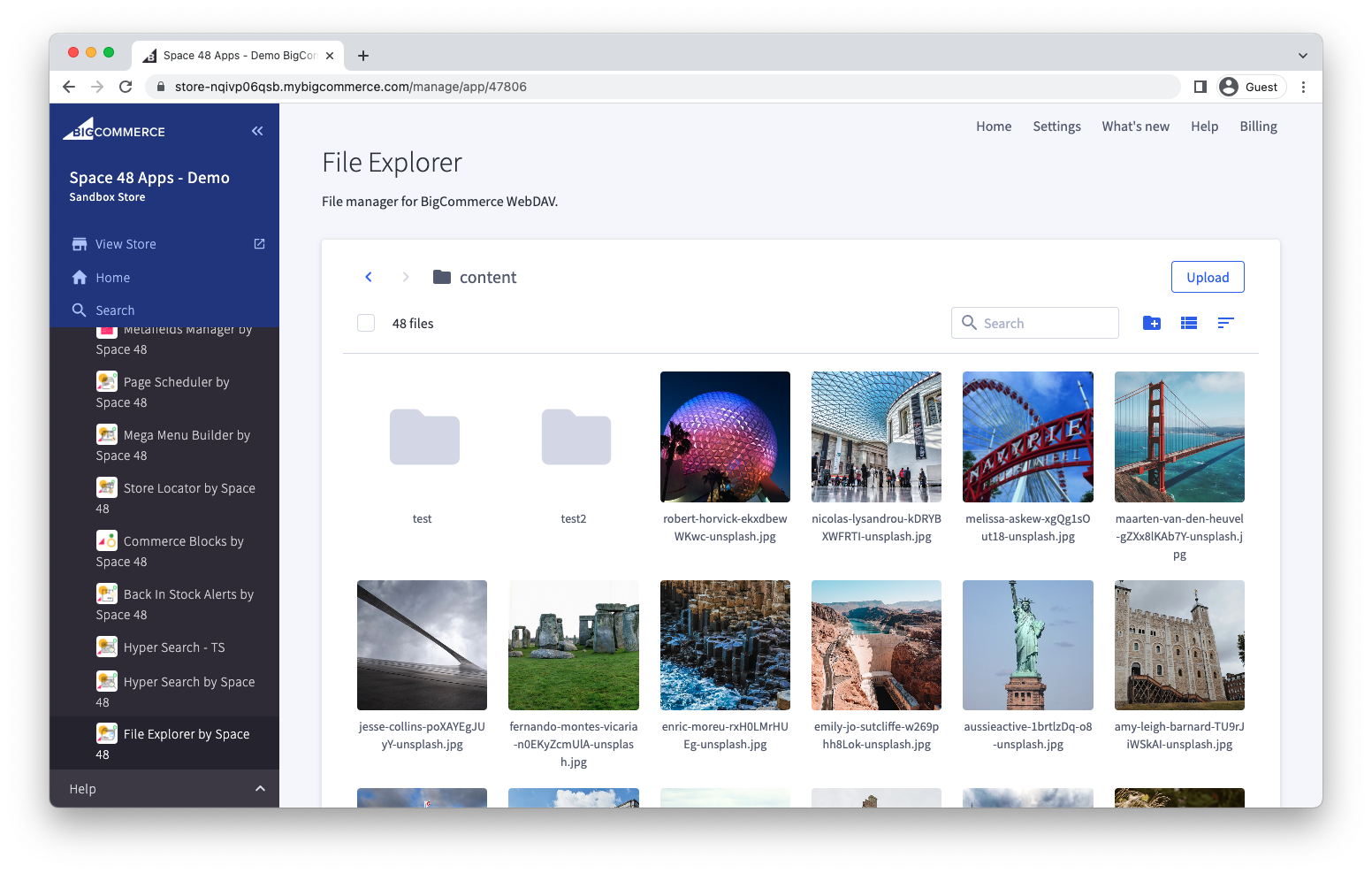
File Explorer lets you manage your store's WebDAV files from the BigCommerce control panel, without using a separate desktop client.
What you can do
- Browse files and organise them into folders.
- Upload, download, rename, duplicate, move and delete files.
- Search within the current folder and switch between grid and list views.
- Edit supported text files with syntax highlighting.
- Preview supported image and PDF files.
- Copy the storefront URL for a public file.
- Access files generated by BigCommerce, including exports stored in WebDAV.
Next steps
Get support
If you have a question, problem or suggestion, email support@hypaapps.com or submit a contact form.